
Name-Based Case Searches
Search a Texas County case by litigant or defendant name through Missouri Case.net. Set the scope to the 25th Judicial Circuit first. Then check each result's court, case style, type, filing date, and party role labels before trusting it. A shared name proves nothing by itself. Once you confirm a match, save the case number. It is the stronger key for every follow-up search.
Name searches have known gaps. Missouri's eFiling guidance states that protected victims, witnesses, children, and certain other protected party types may not appear in name results. The record may still hold them. So an empty screen does not mean no Texas County case exists. Try different spellings, another party role, a different case category, and the local circuit scope before asking the Circuit Clerk about an older or restricted file.
- Choose the 25th Judicial Circuit for Texas County.
- Enter the available litigant or defendant name in the documented name-search mode.
- Compare case number, style, filing date, court, and category before opening a result.
- Open the Case Header and record the exact case number and public identity fields.
- Use Docket Entries to check settings, public filings, and the current displayed status.
Texas County Circuit Search Scope
The Texas County Circuit Clerk points users to Case.net. A 25th Judicial Circuit search runs in real time once information is entered locally. The statewide "All Participating Courts" scope serves a different purpose. Use it when a case may have been filed or transferred outside Texas County. The county offers one caution. The statewide view can lag up to three hours. Start locally when you need a current Texas County docket.
Texas County sits in the 25th Circuit within Missouri's unified Circuit Court system. Civil, criminal, traffic, juvenile, probate, municipal, and other work each carry their own categories and divisions. Choosing the right court and category guards against a false match. It beats a broad statewide name search.
| Scope | Best use | Texas County caution |
|---|---|---|
| 25th Judicial Circuit | Current local Texas County case information | County describes this scope as real-time after clerk entry. |
| All Participating Courts | Statewide fallback or possible transfer | Display can lag by up to three hours. |
| Circuit Clerk route | Older, unposted, certified, or access-limited material | Ask the relevant division for the public process. |
Case Number Searches
Case Number Search is the cleanest route to one known case. Missouri formats can carry a two-digit year, a court location code, a category, a five-digit sequence, and a two-letter subcase code. Keep every character exactly as displayed. Civil cases commonly use CV. Criminal cases use CR. Traffic cases use TR. Municipal ordinance matters use MU, and probate matters PR. A Uniform Citation traffic matter may instead use its nine-digit citation number.
Never guess at a number from a name or partial case style. A municipal case can move to the associate or circuit division. It can pick up a new number. Search the original citation or case number and any later circuit number shown. A number with an X or a treatment-court clue can signal something. It can point to a transfer or specialized docket. That calls for the live entries and clerk confirmation.
Exact-match method: Retain the case number, 25th Circuit scope, case type, and date checked together. Those four fields make later public-record research more reliable.
Case Search Results Explained
A Case.net result identifies the case first. Click the Case Number link. The Case Header then lists the number, style, type, court, filing date, public party roles, status, and judge or division when shown. Open the Docket Entries tab next. That tab is the dated register of court activity, covering filings, motion events, settings, orders, judgments, and other steps in the case.
| Case Header | Basic identity, public party roles, filing information, court, and a path to follow the case. |
|---|---|
| Docket Entries | Chronology of filings and events, sometimes with document links. |
| Scheduled hearings | Public setting information that should be compared with the newest docket entry. |
| Financial or judgment information | A separate displayed area that should not be confused with the event chronology. |
| Document link | A possible attached public file, subject to the viewer’s access level and document security. |
A motion filed is one event; an order entered is another. Neither text line is automatically a certified copy. A blue link may open a public image, while a text-only line can mean no attachment, a nonpublic attachment, or a viewing restriction.
Texas County Docket Search Documents
Three layers make up a search: the result, the docket events, and the public documents. The result selects a case. Docket Entries lay out the sequence of court activity. A linked document, when public, supplies the filed item behind an event. Missing a blue link does not mean the item was never filed. It may be paper-only, unpublished, confidential, or beyond the viewer's access level.
The official Case.net File Viewer help explains the rule. Public document access turns on the case and its security category. Requesting a copy from the Texas County Circuit Clerk goes smoother with details. Keep the docket description and entry date handy.
Texas County Search Record Checks
Compare identifying details before relying on any result. Confirm the exact case number, court and division, category, filing date, party roles, and current status. A short case style may be abbreviated. A person can be indexed under a different role than expected. Two cases with similar styles can still be distinct files. A transferred case may add a second number.
Keep a simple log of your docket search. Record the date, the scope chosen, the search mode, the terms used, the number found, the Case Header details, and the newest relevant docket entry. For any public document, note its title, entry date, and access state without copying protected identifiers. That habit keeps a search result separate from the underlying official record.
Two Ways to Search: County and State
Texas County keeps no docket portal of its own. Everything runs through Missouri Case.net. The county route and the statewide route use the same system, and the only real difference is which court scope you pick. For a local matter, select the 25th Judicial Circuit first. The case might sit in another Missouri court. Or the local docket search may come up thin. Widen the scope to all participating courts in either case. Either way you get public case information, not unlimited access to the documents themselves.
| Local 25th Circuit search | All-participating-courts search |
|---|---|
| Focuses the result on Texas County’s local circuit | Looks across participating Missouri courts |
| County says local entry is real-time after clerk entry | County says the display can lag up to three hours |
| Best first route for a known Texas County case | Useful fallback when another Missouri venue is possible |
Federal cases work differently. Texas County sits in the Southern Division of the Western District of Missouri, so a federal matter lives on PACER. The state Case.net docket search will not reach it.
Texas County Docket Search Timing
Timing matters when you check a Texas County docket. The 25th Judicial Circuit view is the county-recommended local search. Staff-entered information is described there as real-time. A statewide participating-courts result can take up to three hours to show. The record can also shift after a new filing, a reset, or an order. When a docket's status truly matters, write down the date and time of your search.
A Case.net result is only a lead for an upcoming hearing. Open the case's Docket Entries. Then call the Circuit Clerk if the current setting matters to you. Missouri's Track This Case notifications can follow activity. They are not official court notices, so treat them as a convenience rather than a substitute.
Texas County File Viewer Access
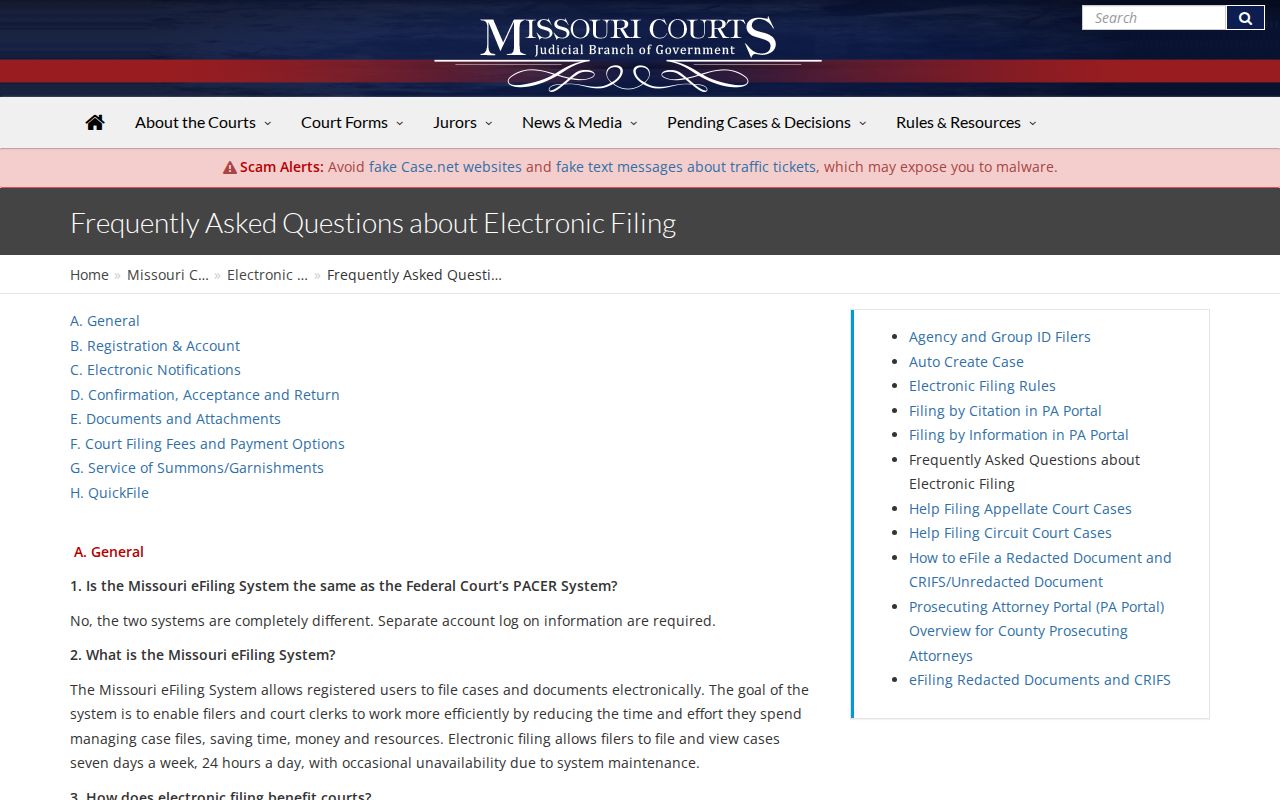
Case.net and Missouri eFiling do different jobs. Case.net is the public layer for case information and docket entries. Missouri eFiling is the filing and document-management layer for authorized filers and staff, and the Missouri eFiling FAQ spells out how public access differs from authorized access to documents.
Access can depend on where you sit. A courthouse session set up by court staff may let the public view public documents in File Viewer, while a personal remote session may not show it. Treat the link state as a clue, not as proof that a document does not exist.
When a public document has no remote link, ask the Circuit Clerk about a public terminal, a paper inspection, or a requested copy. Texas County has not published the terminal's location. It has not published a general download entitlement either.
Which Cases Stay Restricted
Public access is broad, but it stops somewhere. An ordinary public case can show a case number, style, settings, filings, and dispositions. Some categories sit outside that openness. Juvenile records, sealed or expunged files, mental-health material, protected victim information, and confidential documents can be withheld or redacted. So one docket entry and its attached document may carry different access states.
RSMo §610.120 closes certain records to the general public entirely. RSMo §610.140 governs qualifying expungement petitions and the confidentiality that follows. If a public line is restricted, ask. Does a public version, a redacted version, an order, or an access procedure exist? Do not ask for protected names or details.
Texas County Docket Search Clerk Route
When the online docket search falls short, the clerk is the local fallback. Call (417) 967-3742 for the right division. Or visit the Circuit Clerk at 519 N. Grand Avenue, Suite 202, Houston. Ask about the public terminal, older paper or microfilm material, an inspection, or a copy. Certification is another option. The county has not published a separate terminal location. It has not published an archive form or a local copy-price list.
For a written request, include the case number, the court, the date range, a description of the document or docket, the format you want, and a way to receive a fee quote. A focused request lets the clerk find the public material without releasing anything confidential.
Texas County No-Result Searches
An empty Case.net screen is not the end of the road. Try the exact case number. Then try the 25th Circuit scope. A corrected spelling, another party role, or the filing-date and hearing-date modes may help as well. The matter could be municipal, traffic, or probate. It could be juvenile, confidential, transferred, or old enough to need an archived search. The county's statewide scope can lag, and public name searching can omit protected people.
Next, call the Texas County Circuit Clerk at (417) 967-3742. Or visit 519 N. Grand Avenue, Suite 202, Houston, MO 65483. For an older file, offer the approximate year. Give the case type, the party role, and any number you have. The clerk can explain the public route for paper, microfilm, archived, or certified material. Call a no-result screen exactly what it is. It means no result in the online scope you searched.
Texas County Docket Search Boundaries
Use Case.net to find or track a court case, check a hearing, or understand a filing sequence. You can also follow a public matter. It is not legal advice. The Circuit Clerk's office handles procedural and access questions. County staff do not advise on legal strategy. A court record reads best when you pair it with the case number, the court, and the date. Add the actual public order or a clerk-certified copy.
Missouri's public-record framework also sets a clock. Under RSMo §610.023, a custodian must act as soon as possible. The outer limit is the end of the third business day. A reasonable delay must be explained. Court-file access still remains subject to the rules that make specific material confidential.